Read the Problem
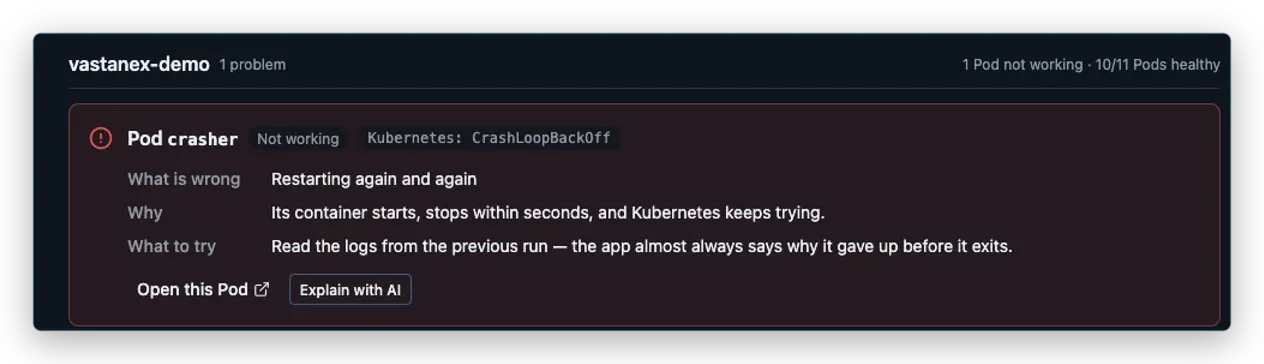
CrashLoopBackOff means the container starts, stops, and Kubernetes keeps trying. The card says what happened and what to inspect next.

For developers and operators
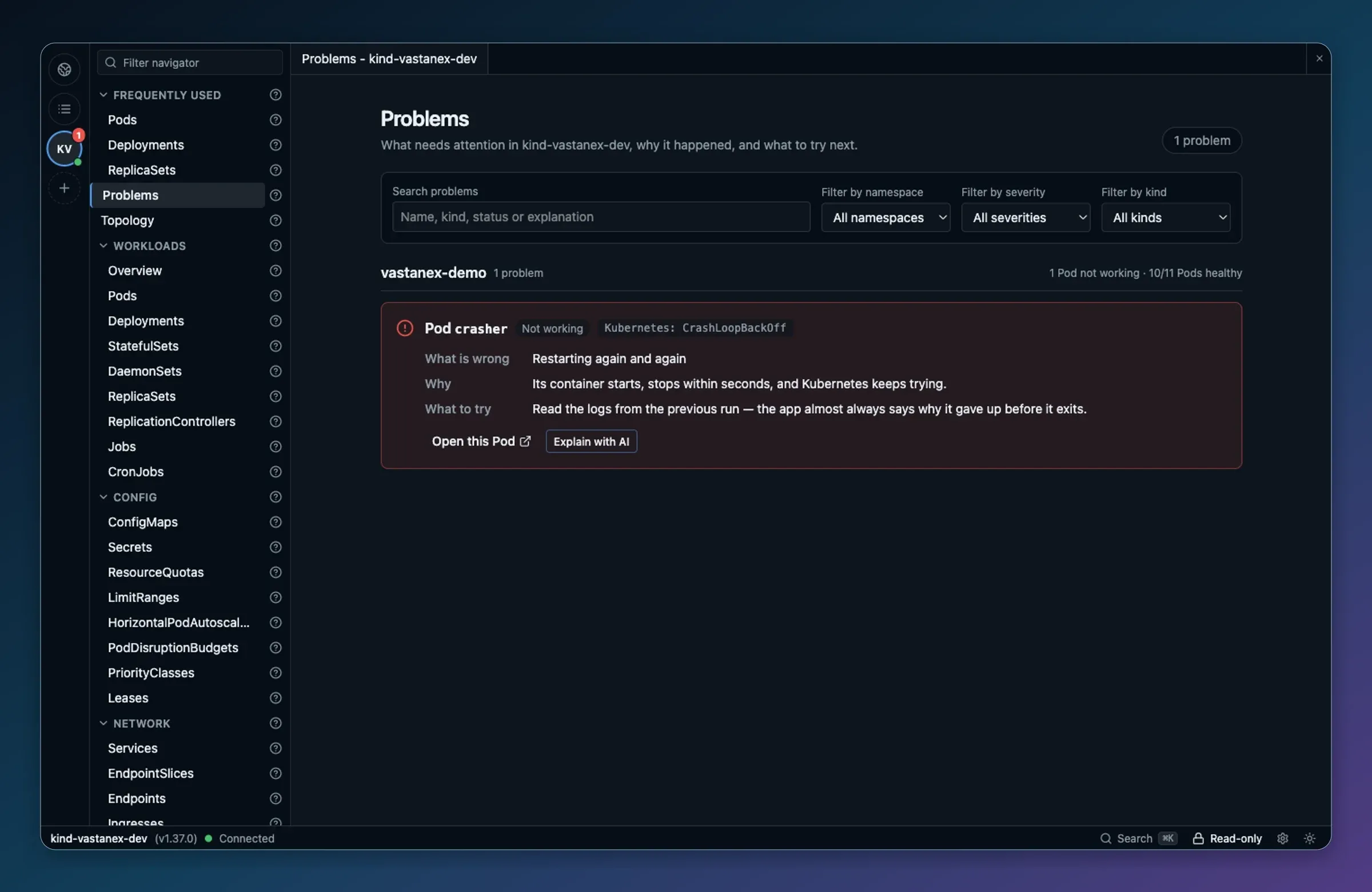
Vastanex is a desktop app for Windows, macOS and Linux. Problems shows what needs attention and the next step worth considering.
Current installers and first-launch guidance are on the Download page.
One troubleshooting workflow
Start with the explanation, inspect the same object, then choose a next step. The app keeps the raw Kubernetes value beside the plain words.
CrashLoopBackOff means the container starts, stops, and Kubernetes keeps trying. The card says what happened and what to inspect next.
Open that same Pod and review what Kubernetes recorded. Events are evidence, not a promise that the app fixed the crash.
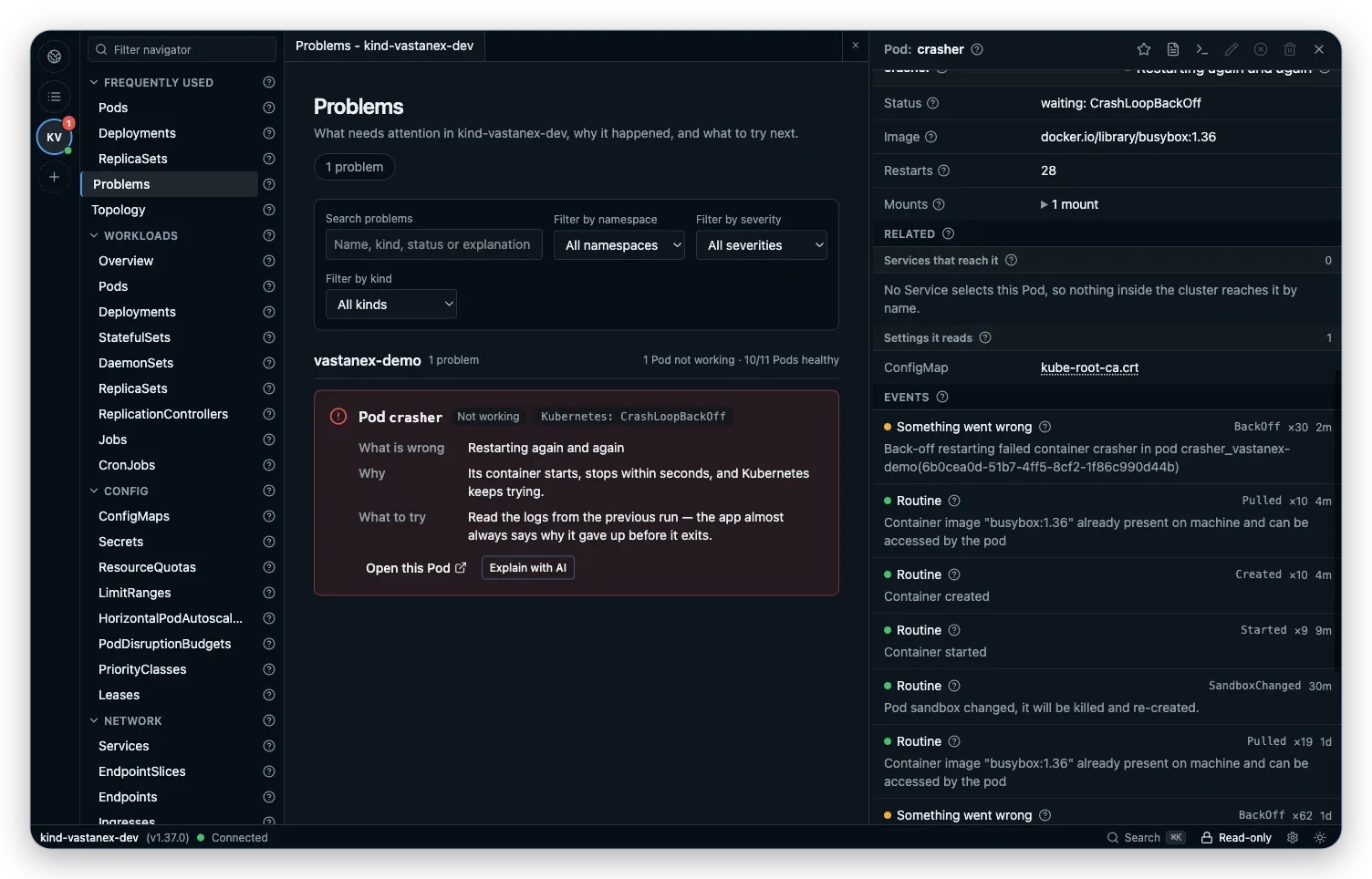
Read the suggested next step, follow the object’s details, or open its logs. You stay in control of what happens next.
See the desktop appInvestigate in one place
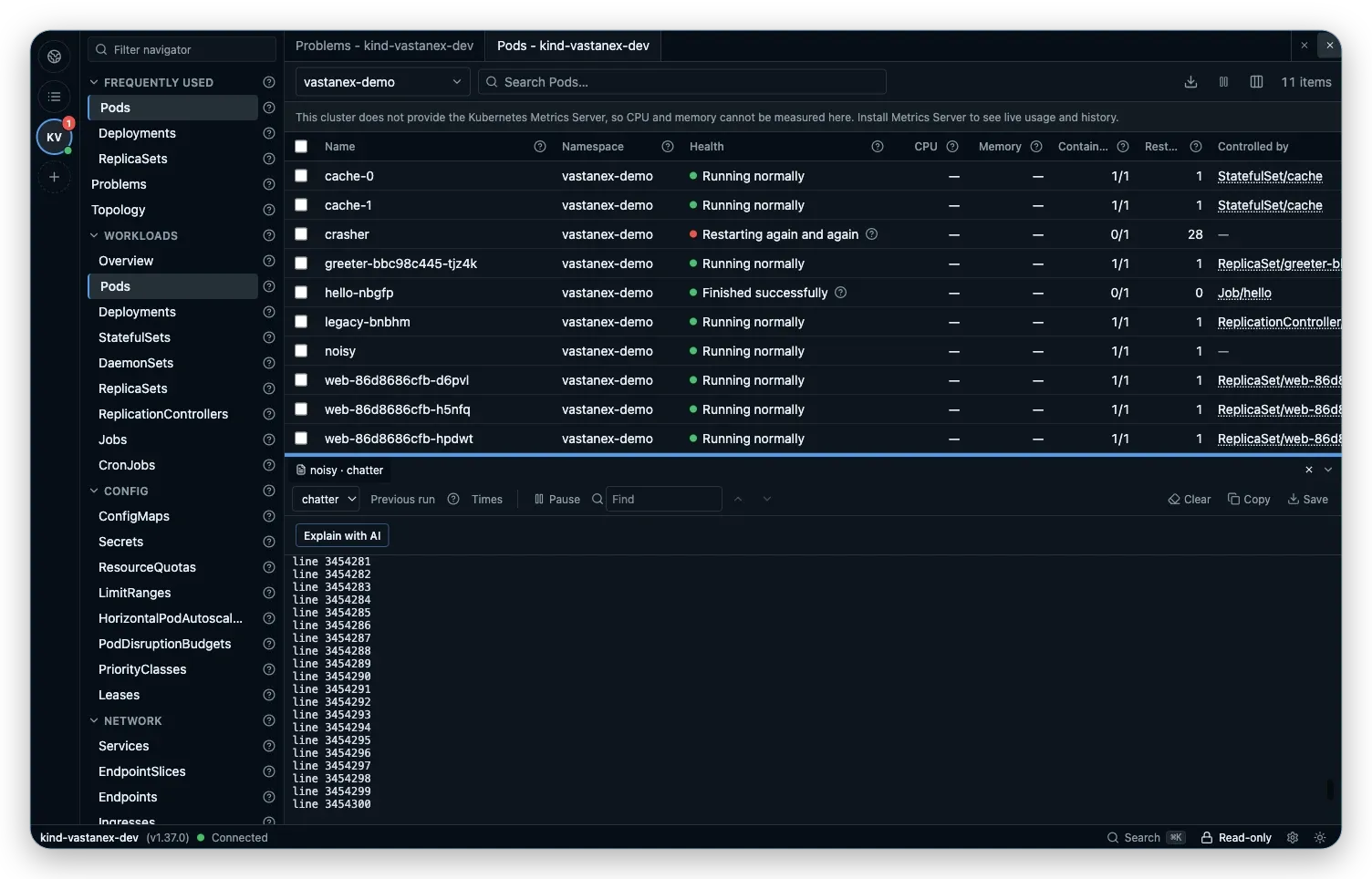
Follow live logs from a Pod, check Health beside raw values, inspect relationships, open a shell after you explicitly allow changes, or forward a port to your own machine.
Make changes deliberately
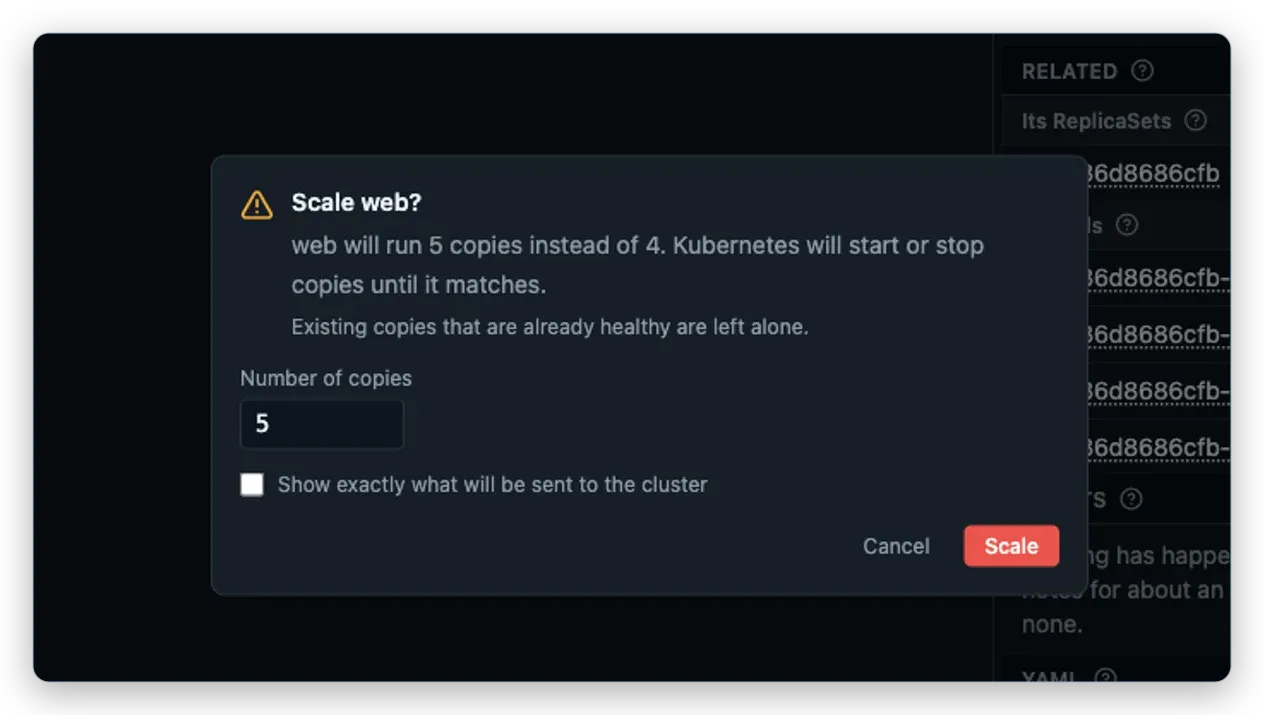
The app starts read-only. Kubernetes permissions still decide what is possible, and writes or interactive shells require an explicit Allow changes decision before they can run. Logs, attach sessions and port forwards stay available in read-only mode.
Disabled actions explain that you can allow changes from the status bar.
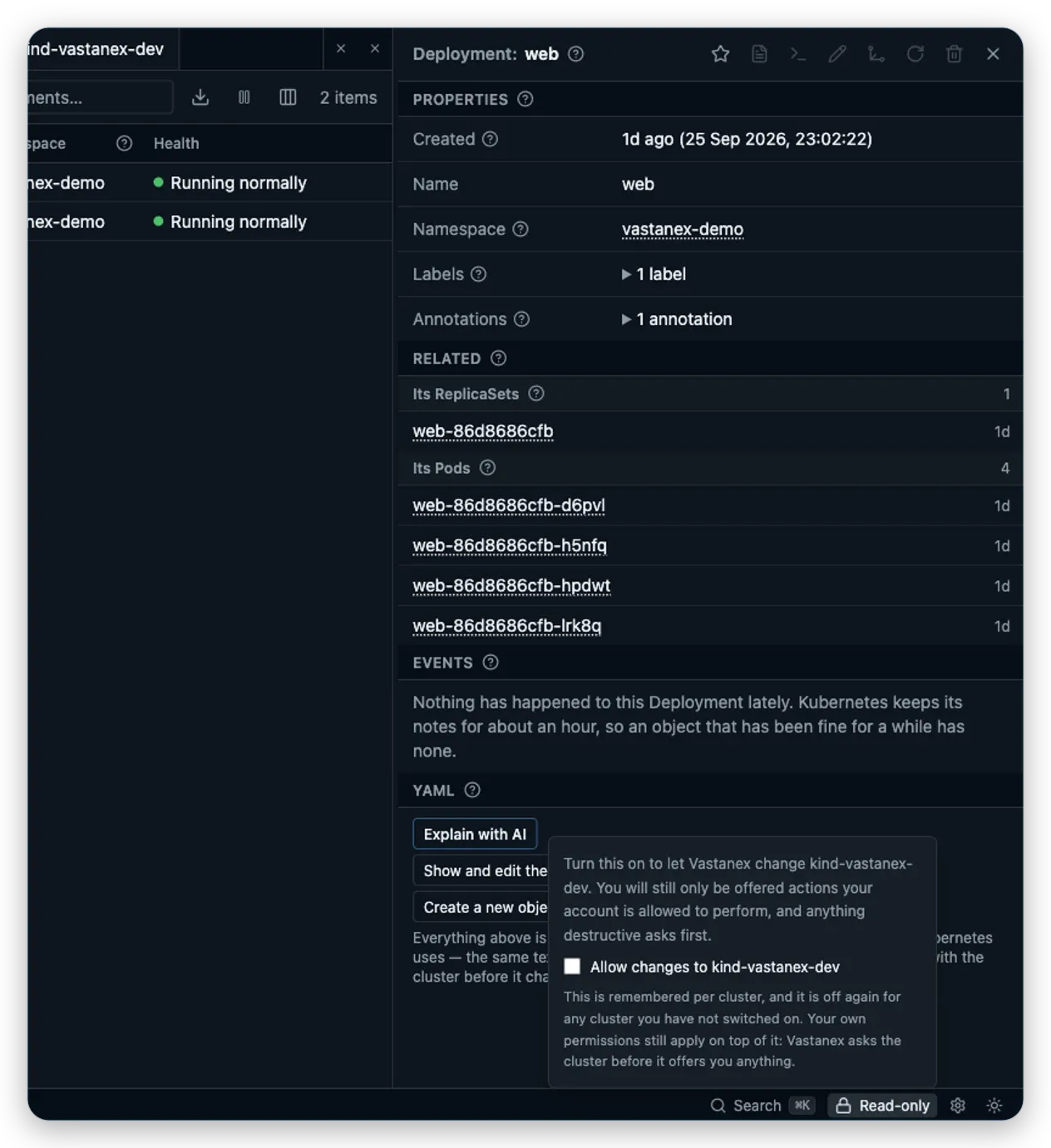
webThis is a cancelled safety example for another object, not a fix for crasher.
Trust and getting started
Open Vastanex with an existing kubeconfig context. The app starts read-only, and the Problems view comes first.
Secrets stay redacted unless you explicitly reveal one field. The app does not send telemetry.
Windows, macOS and Linux are supported desktop targets. Visit Download for the current availability and unsigned-build notes.
From the field notes
Short, plain-English explanations of the evidence and controls you see in Vastanex.
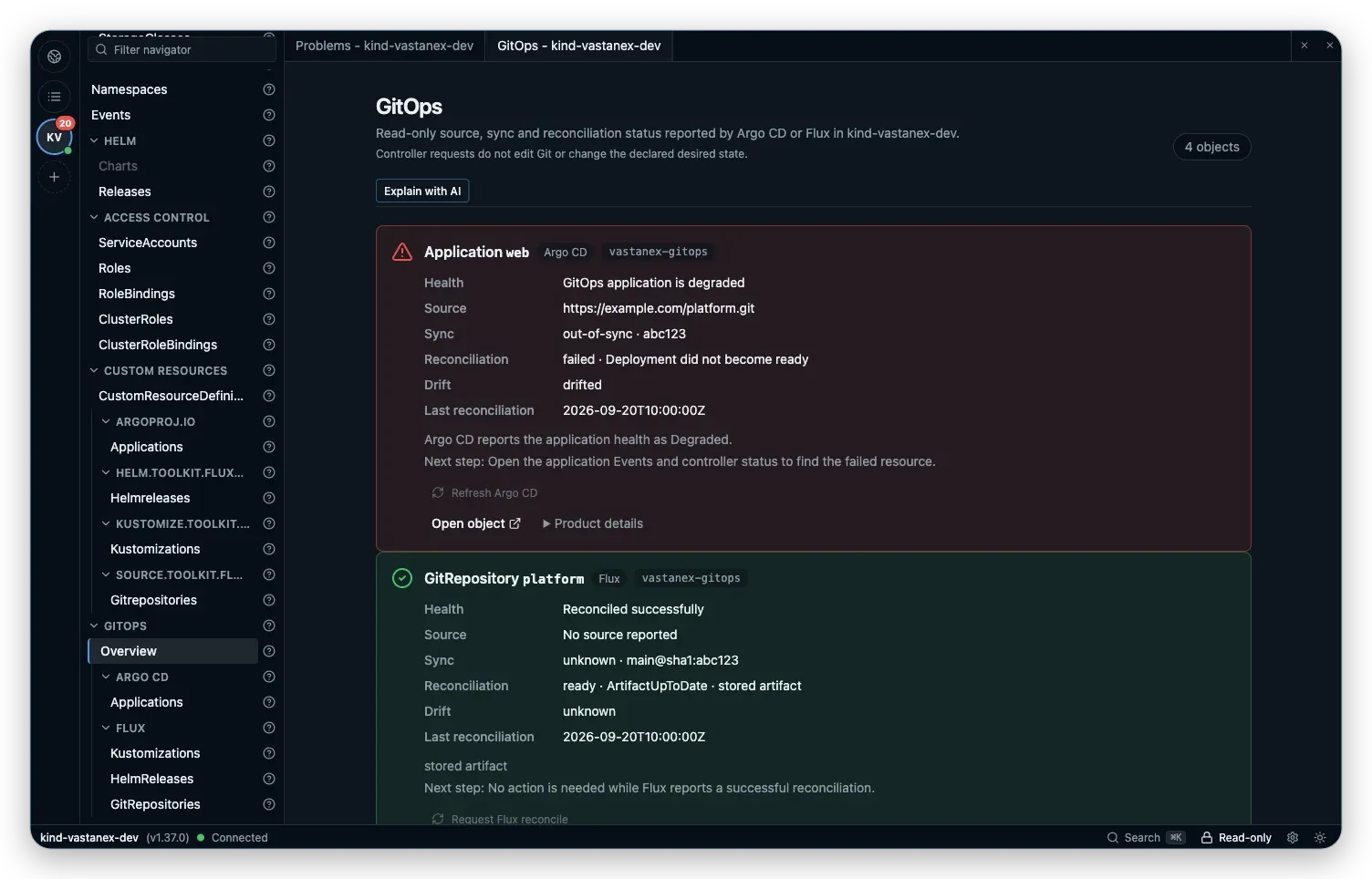
GitOps
See Argo CD and Flux status together in Vastanex, with redaction, controller signals and explicit requests that stay distinct from reconciliation.
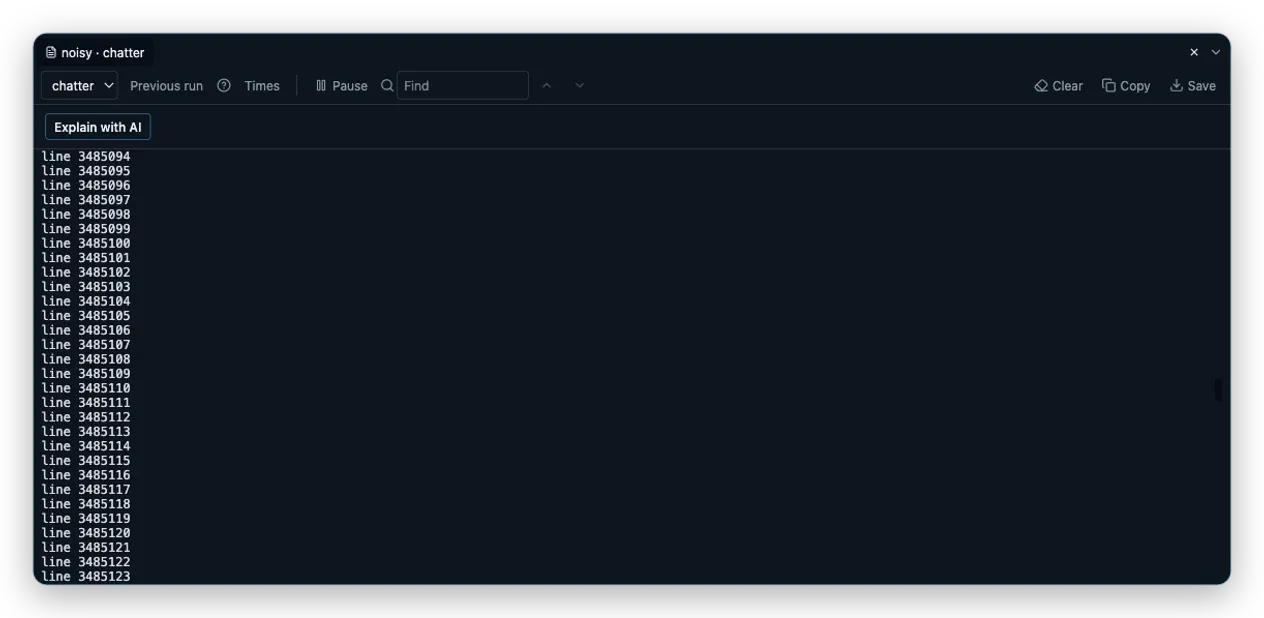
Kubernetes Pod logs GUI
Follow live Pod logs, open a shell after explicitly allowing changes and forward a Kubernetes Service to your local machine without leaving Vastanex.
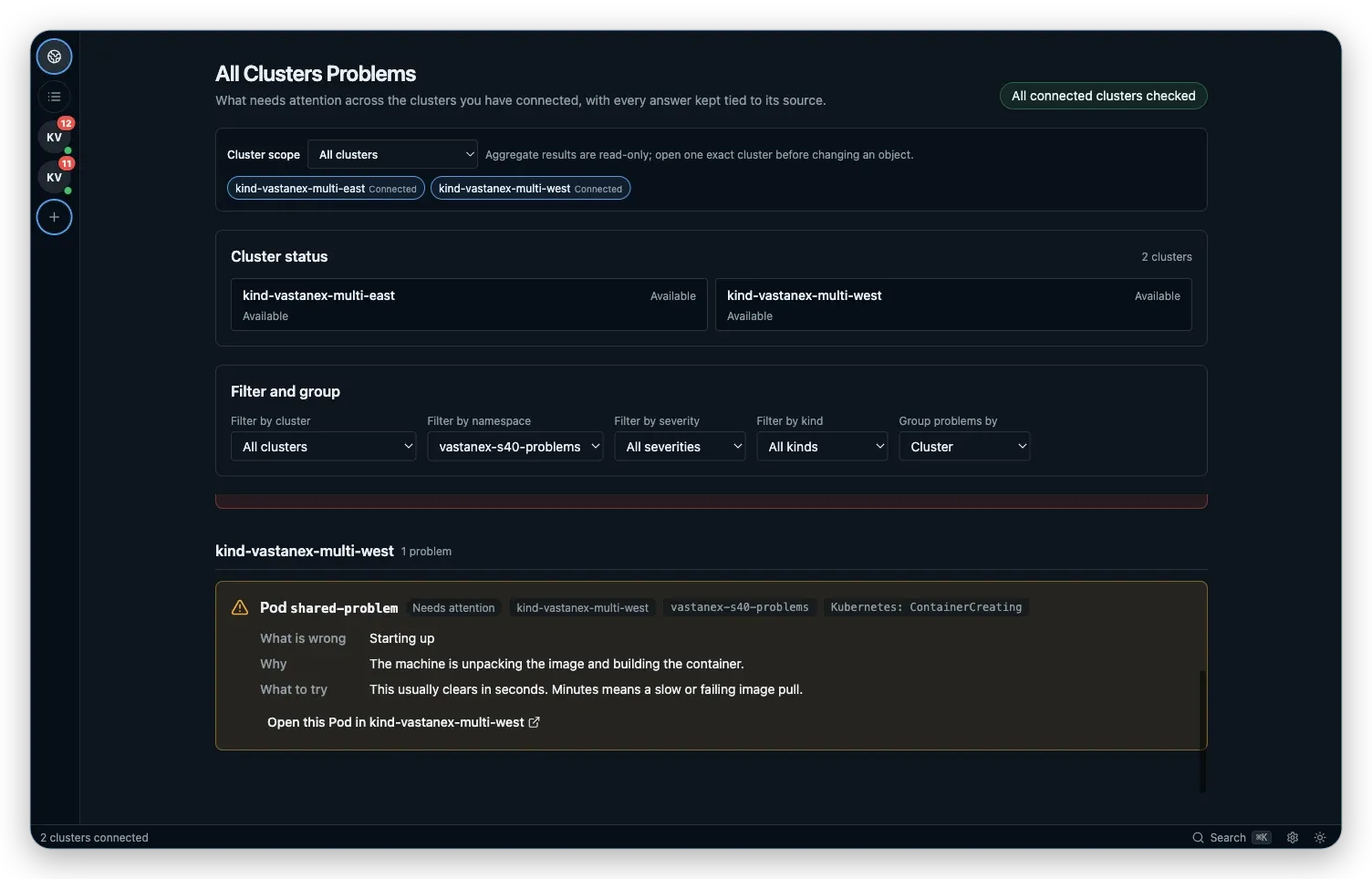
Multi-cluster Kubernetes
Compare Kubernetes problems and logs across isolated clusters in Vastanex while keeping the source context attached to every result.